Need a hand getting your tech sorted at NTU?
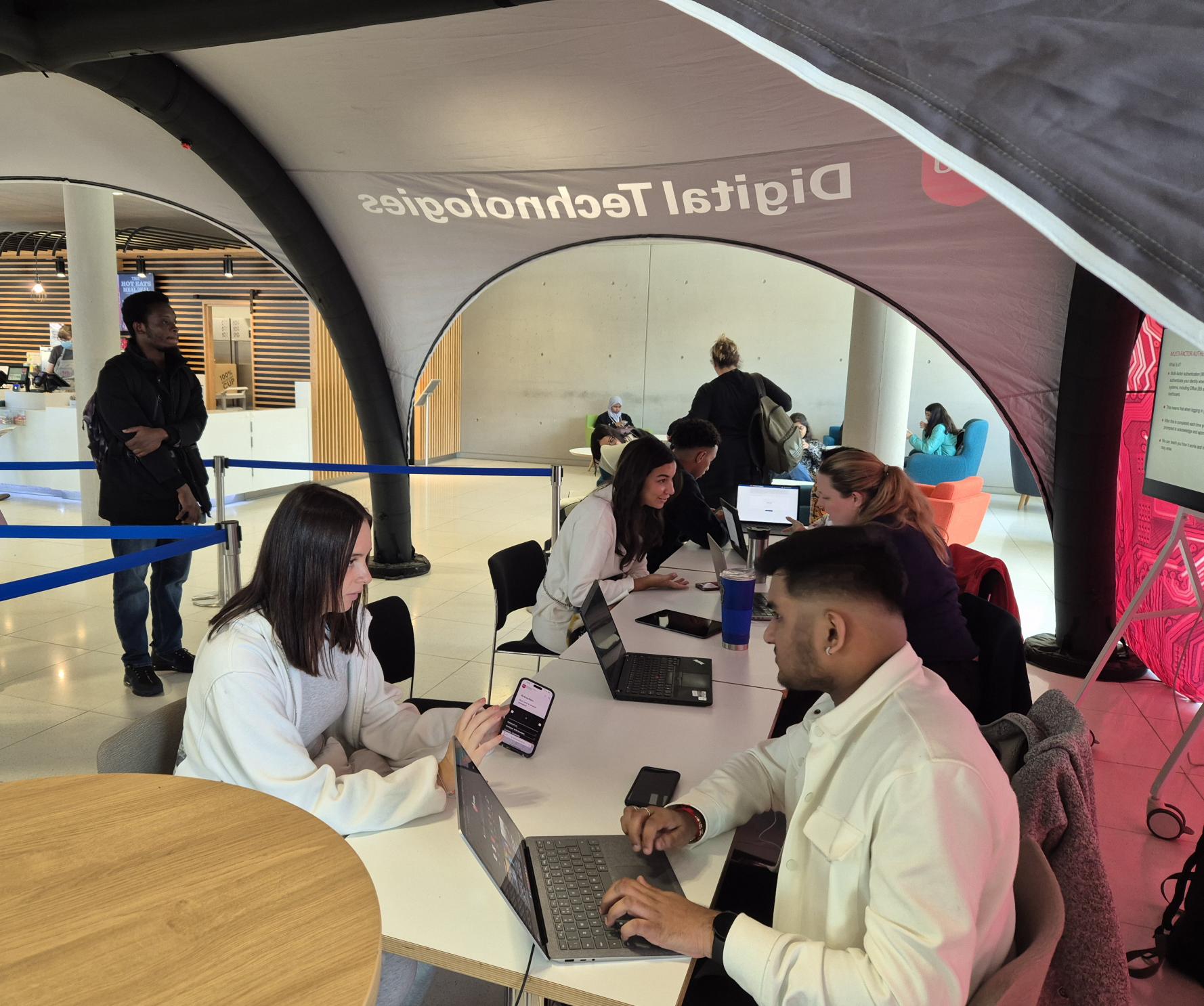
Starting University is exciting, but we know it can be a lot. That’s where Tech Corner comes in. We’re here to make your digital life at NTU simple, smooth, and stress-free.
Whether you’re fresh out of school or returning to study, we’ll help you get set up with all the essential tech you’ll use every day – from connecting to Wi-Fi to managing your timetable.
Here’s just a bit of what we can help with:
- Connecting to NTU Wi-Fi
- Setting your NTU password & accessing your NTU email
- Free Microsoft Office 365 during your studies – how to get it and use it
- Installing the MyNTU app (your go-to dashboard for many NTU services such as PC availability, and much more)
- Navigating NOW – your online learning space for your course
- Accessing your Timetable and syncing it to your phone
- Setting up Multi-Factor Authentication (MFA) and assisting with any issues
- Using OneDrive to back up your work
We’ll show you what tech support resources are available to help yourself, answer your questions, and help you feel digitally confident. You might even discover tools you didn’t know you needed!
You can learn more about the services we provide at NTU and how to use them by exploring our help guides